Photos of your artwork, cropped and straightened in a snap.
Pick one painting or several.
Your photos stay private.
Pick one painting or several.
Your photos stay private.
Take a quick photo of your painting. GallerySnap squares it up and trims away everything that isn’t the art.
Drag your photos here
one painting or a whole batch, or
Your photos stay on this device. If the app can’t find the edges by itself, a small copy goes to an AI helper to find them. Nothing else is sent anywhere unless you save to Google Photos.
You don’t need a tripod, perfect lighting, or expensive scanner. Lay the painting down or lean it on a shelf, take the photo, and GallerySnap does the fiddly part.
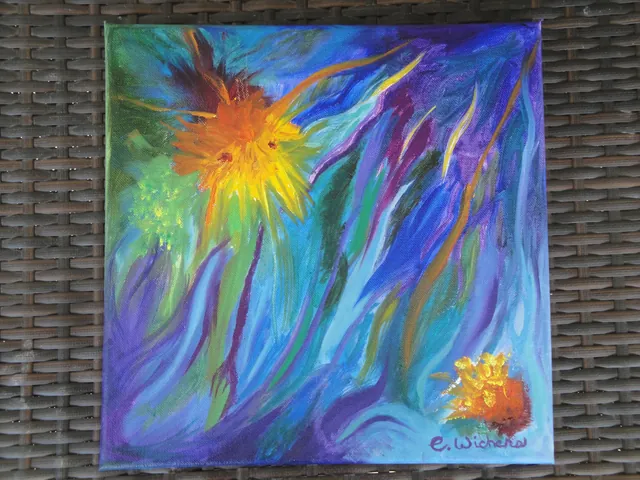
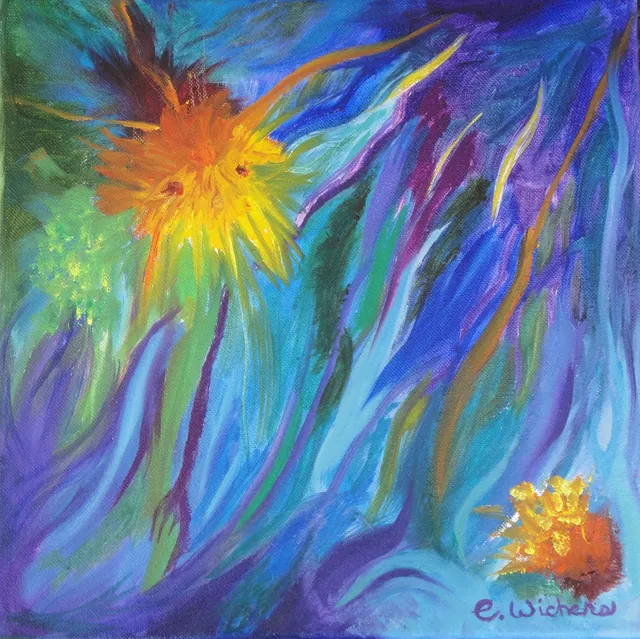
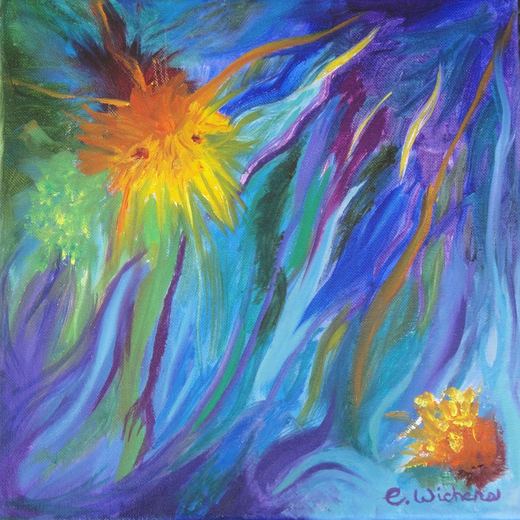
A canvas on a table: straightened, table gone.
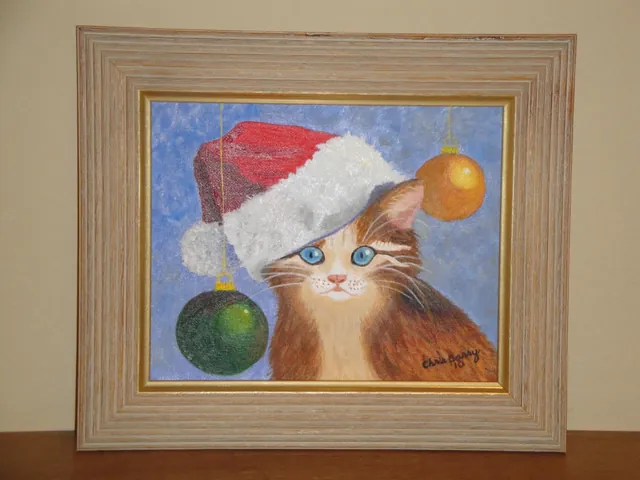
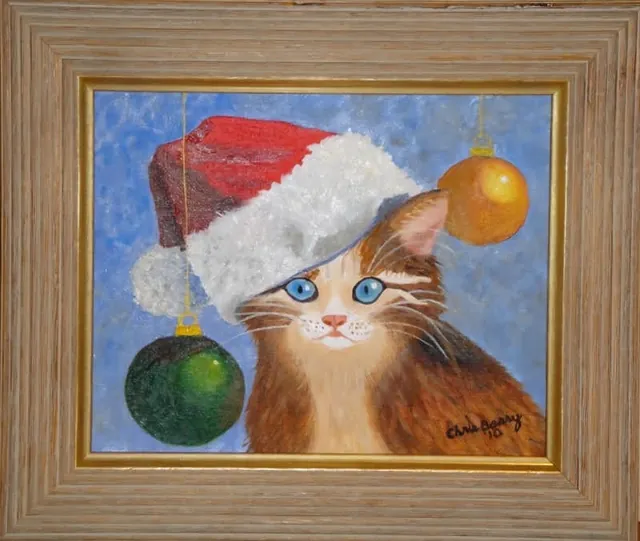
A framed piece on a shelf: squared up, frame kept.
It spots the four corners of your painting by itself. If it misses, you can drag them into place.
Photos taken from a little to one side come out square, as if you had stood right in front.
The table, the wall and the floor are cut away, so only the artwork is left.
Keep the frame in the picture or crop to the painting alone. You choose each time.
Add a whole batch of paintings and check them together on one screen.
Send the finished pictures to Google Photos or download them to your computer.
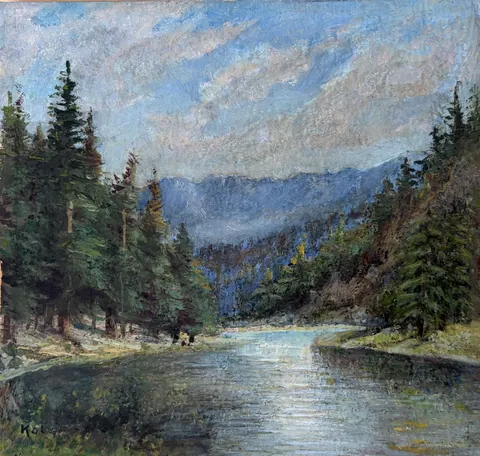
Take one quick photo and see it squared up and ready to share.
No account needed. Your photos stay private.No account needed. Your photos stay on this device.